


GUIDE TO PAYING THROUGH PAYPAL (NO PAYPAL ACCOUNT NEEDED)
If you don’t have a PayPal account you can still pay through PayPal by checking out as a guest using any debit or credit card.
You do not need to create a PayPal account.
This is a one-off payment (non-recurring). You will never be billed again automatically.
Note: PayPal may sometimes ask for a phone number or extra details for security/verification. This is requested by
PayPal, not by us. We do not receive your full card/bank details.
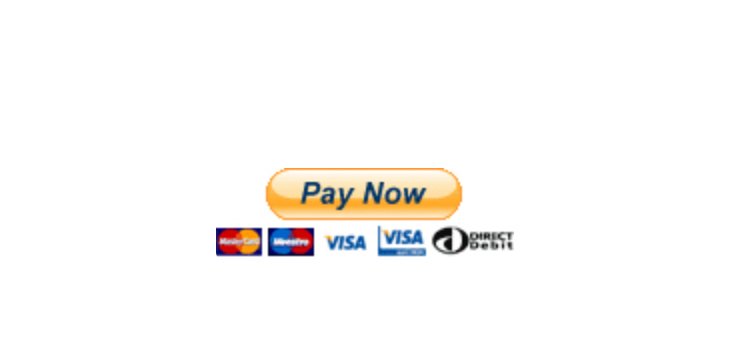
Step 1: Decide which option you want, then click the yellow Pay Now button below that option
— See screenshot
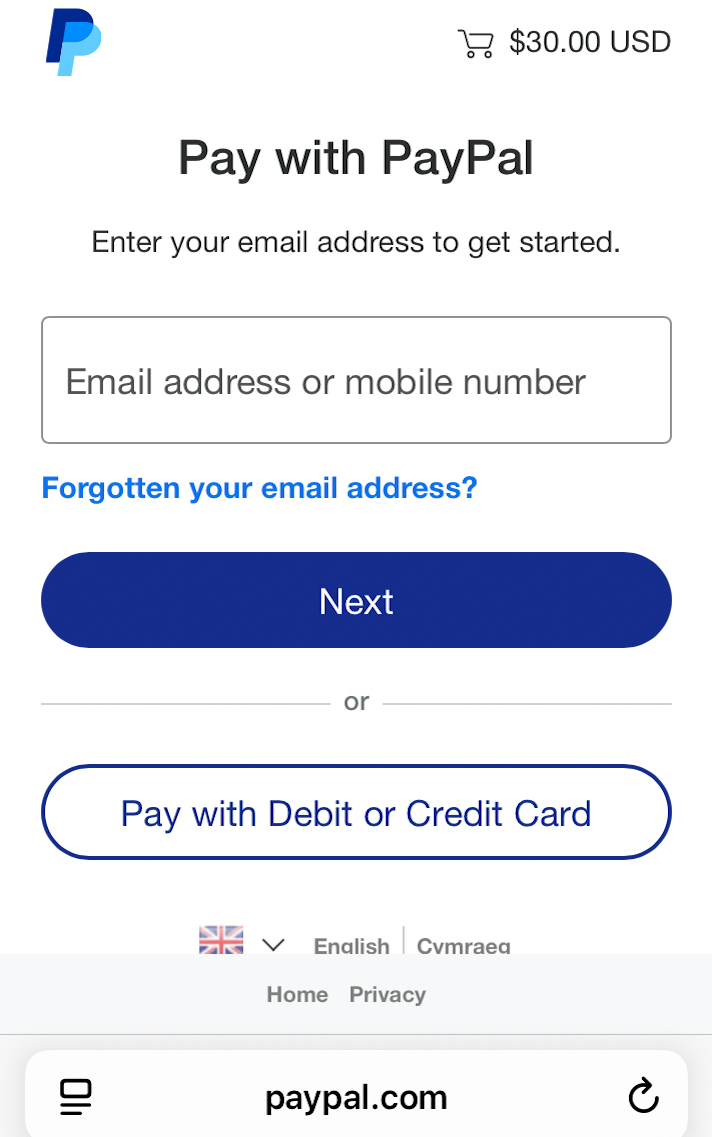
Step 2: If you don’t have a PayPal account, pay as a guest. Don’t enter your email address at this stage. Scroll down and click Pay with Debit or Credit Card
— See screenshot
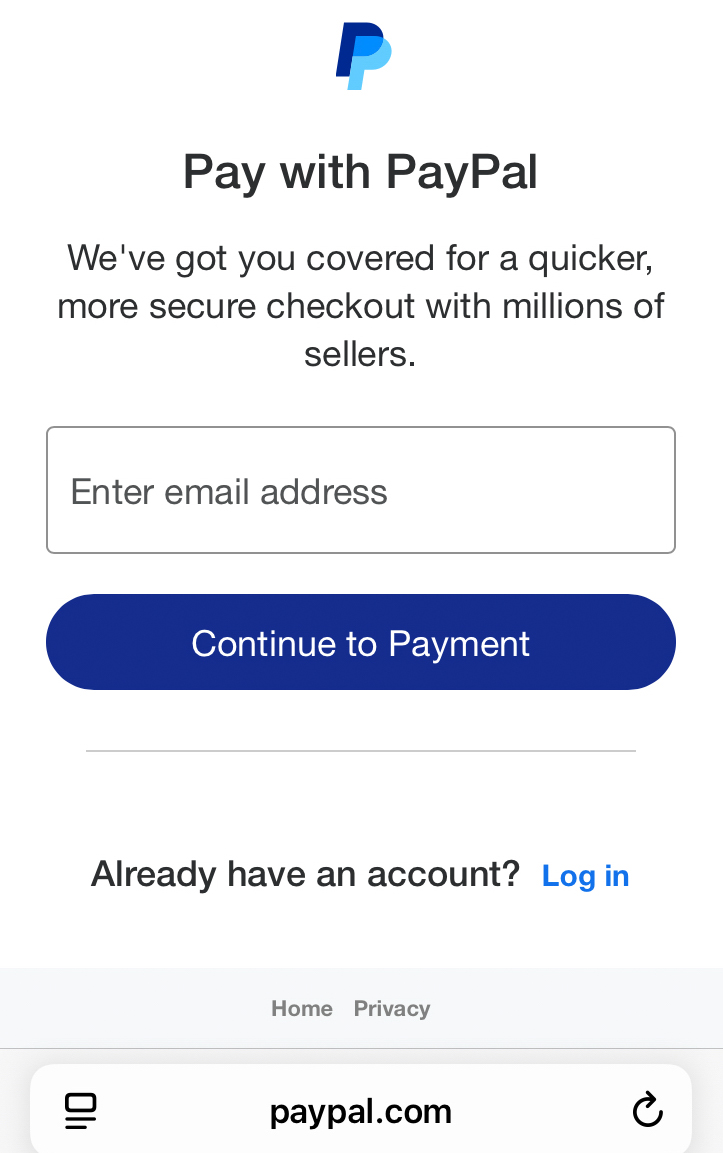
Step 3: Enter your email address, then click Continue to Payment
— See screenshot
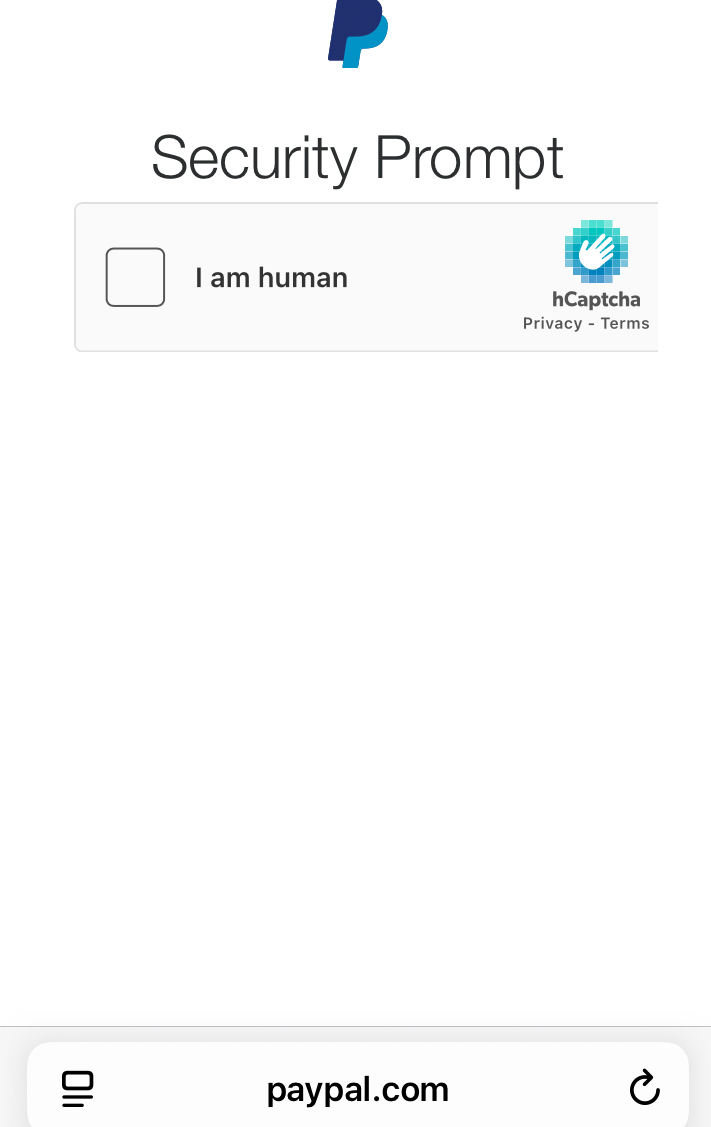
Step 4: You might see a security prompt here — just tick that you are human
— See screenshot
Step 5: Enter your card details and billing address. PayPal may also ask for a phone number as part of verification. (We do not receive your phone number from PayPal.)
— See screenshot
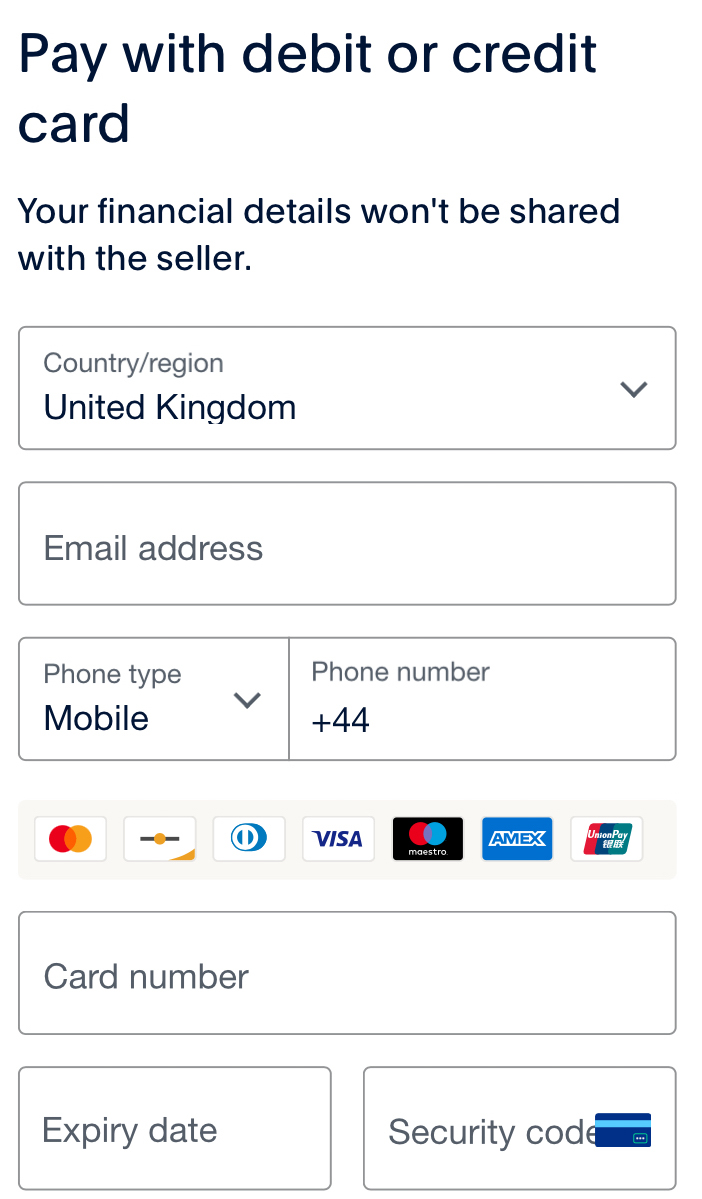
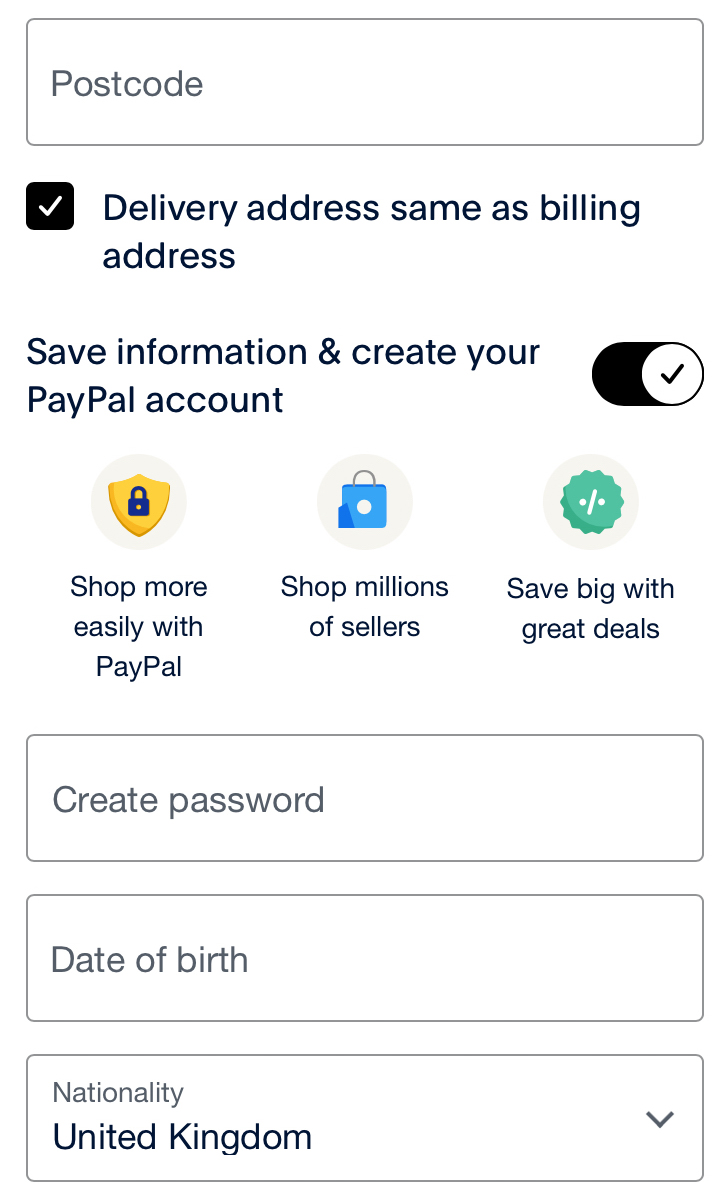
Step 6: Look further down the page. You can leave Delivery address same as billing address ticked
(nothing will be delivered — this is just PayPal wording).
Important: PayPal may try to create an account for you by default. So you need to Turn OFF
“Save information & create your PayPal account” (it is often pre-ticked).
Once that is turned off, you are continuing as a guest (no PayPal account)
— See screenshot
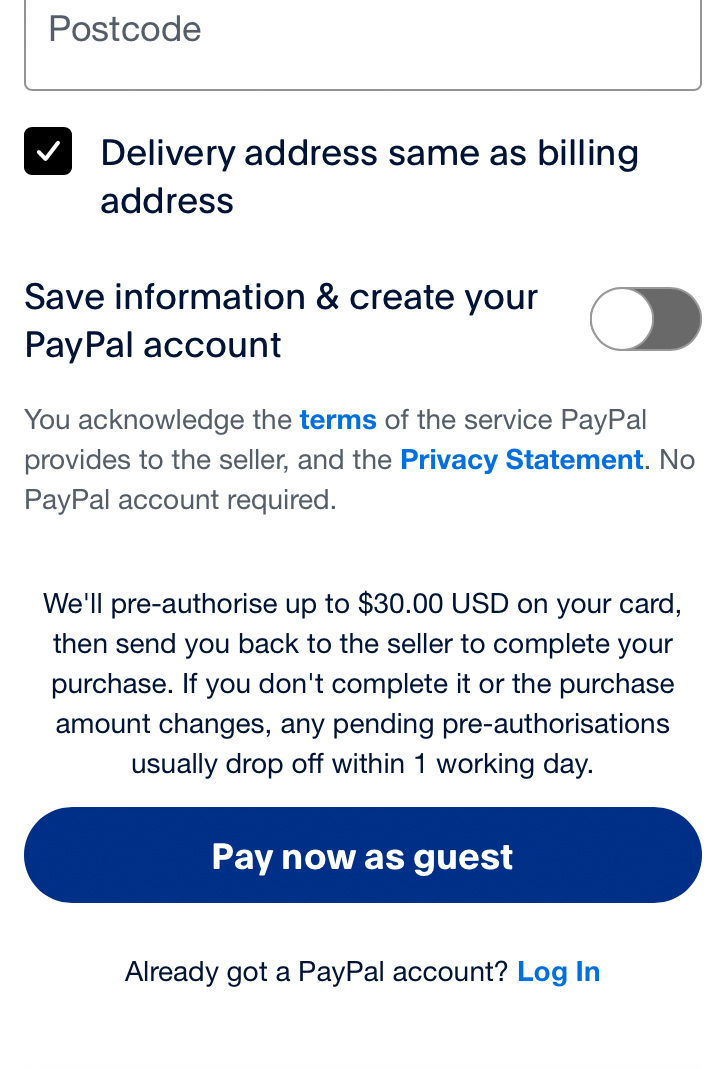
Step 7: After you untick “Save information & create your PayPal account”, you should see
Pay now as guest. Click that to complete your payment
— See screenshot
After you pay (important)
You’ll receive a receipt email from PayPal confirming your payment.
Access is not instant: we manually create your username and password after you pay.
We usually contact you quickly, but it can sometimes take up to 8 hours.
If you like, email us at
admin@onlylooking.com
with your preferred username and password (or ask us to choose one for you).
Please check your junk/spam folder, just in case our email goes there.
We will email you from our webmaster email address and also from our PayPal email address:
marlowe9740@hotmail.com
Please don’t contact PayPal if you don’t hear from us — contact us directly instead.
If we can’t reach you within 2 days, we will automatically refund your payment.